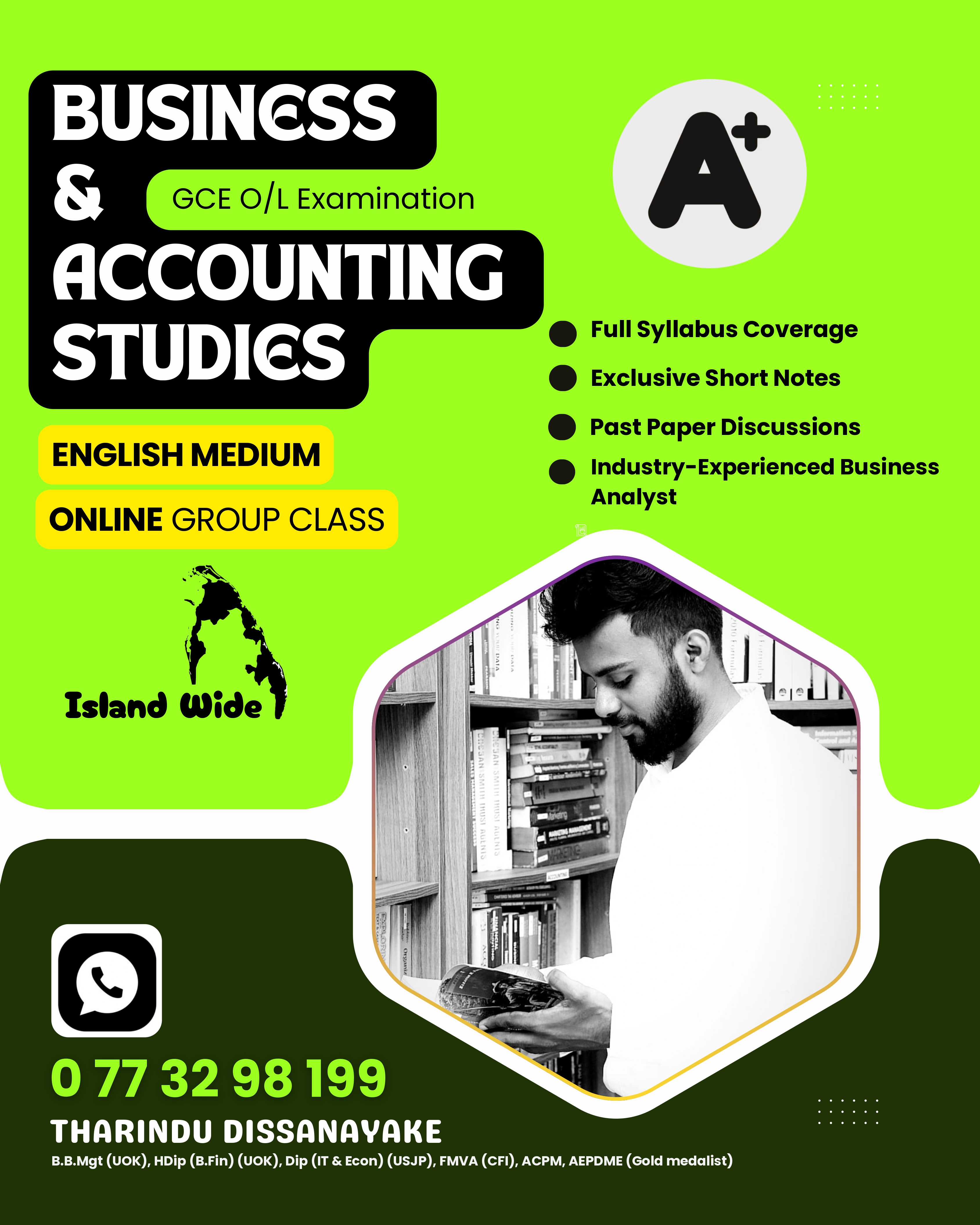







📌 How to Post a Class Advertisement on Academic.lk
Step 1 – Go to the Advertisement Page
Click on the Blue “POST YOUR FREE AD” button at the top right of the website.
Step 2 – Fill in Your Class Details
Please complete the following fields carefully:
Post Your Free Class Advertisement Here
|
Field |
Description |
|
Class Type* |
Select your class type |
|
Mode* |
Select how you conduct the class (Online / Physical etc..) |
|
Language* |
Select the teaching language |
|
Class Category* |
Select the main category |
|
Subject* |
Enter your subject name |
|
District* |
Select your district |
|
City* |
Select your city |
❗ City not in the list?
Send a WhatsApp message to 075 74 74 798.
We will add your city quickly.
Advertisement Information
|
Field |
Description |
|
Title* |
Enter your advertisement title |
|
Description |
Enter full details about your class |
|
Conducted By* |
Enter the tutor or institute name |
|
Phone* |
Enter your contact number |
|
|
Enter WhatsApp number with country code (Example: 94071xxxxxxx) |
|
Email* |
Enter a valid email address (All notifications will be sent here) |
|
Fee |
Leave blank if you do not want to display the class fee |
|
Banner |
Optional – Upload an image under 2MB and 1080px max width |
Important Notes
Step 3 – Enter Captcha
Type the captcha characters shown on the screen.
Step 4 – Publish Your Advertisement
Click on the “Publish Ad” button.
Your advertisement will be posted instantly.
🗑 How to Delete Your Advertisement
➕ How to Add a New Category or Sub-Category
If your class category is not listed, simply send us a message with:
We will add it for you.
🔒 Ad Authenticity & Responsibility
Academic.lk is a free platform for tutors and institutes.